What this tool does
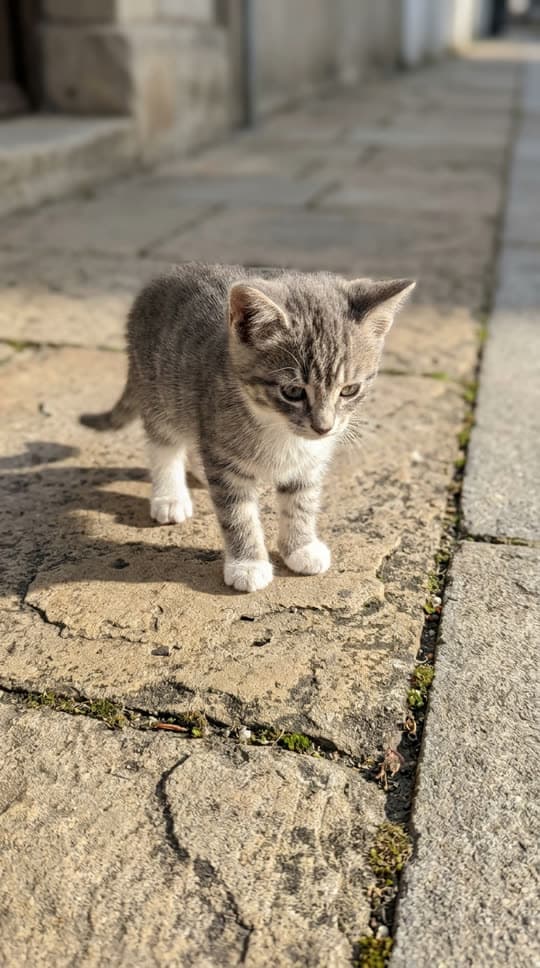
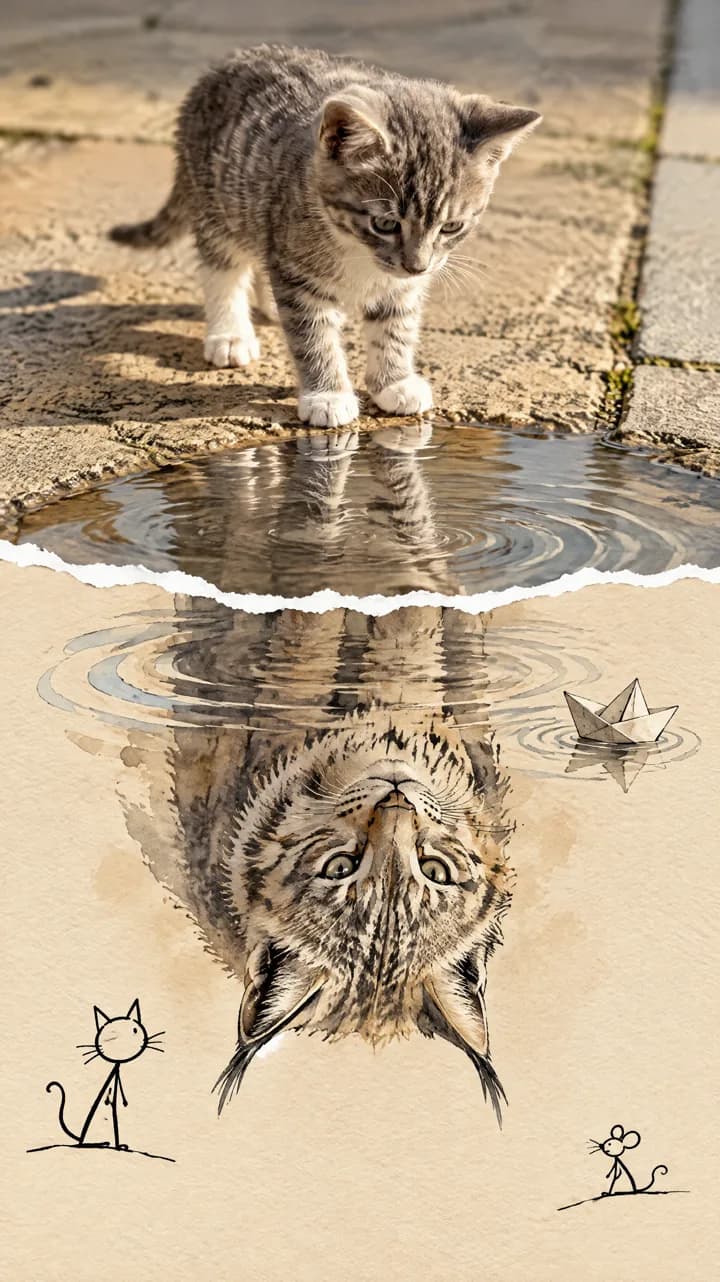
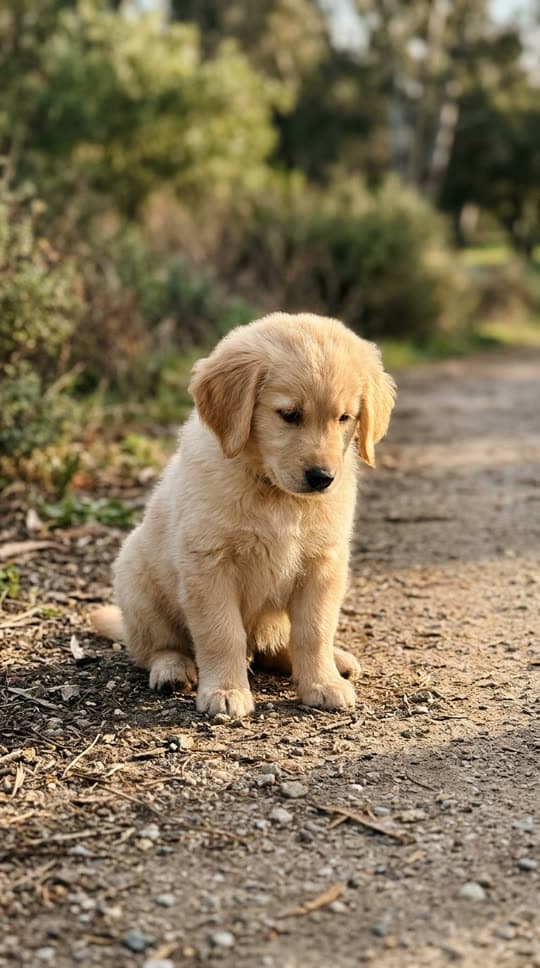
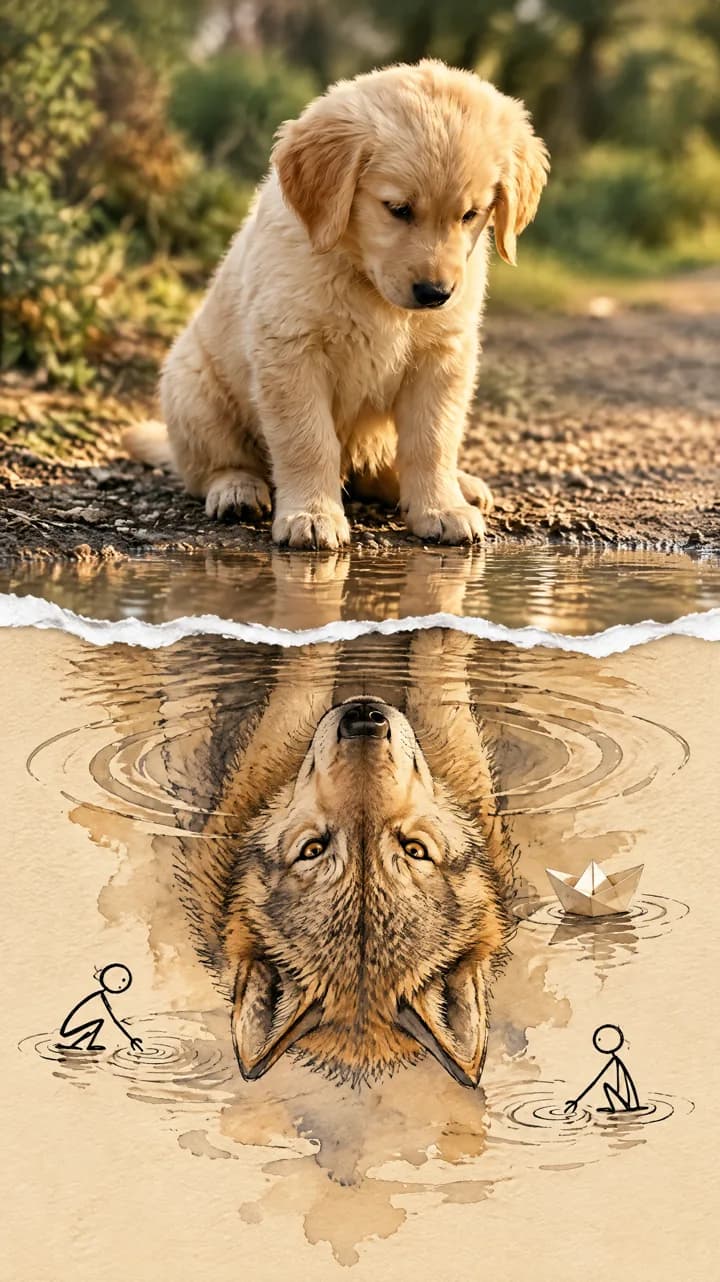
It turns one photo of your animal into a two-part picture. The top half keeps your pet as a real photo, standing at the edge of a shallow puddle. A jagged torn paper edge runs across the middle, and below it the puddle becomes beige watercolor paper with an upside-down painted reflection of a wild counterpart: a kitten sees a tiger, a puppy sees a wolf.
The picture is newly generated from your photo by GPT Image 2.5 and delivered as a 2K image. Each run is a fresh image, so two runs on the same photo will not look exactly alike.
Where the trend comes from and how ours differs
The torn paper animal reflection effect spread through short-video tutorials that show a pet looking down at a fierce painted version of itself. This tool does not use the original creators' pictures or videos and is not affiliated with them or with any app; it only uses the photo you upload.
Our built-in prompt asks for a clean paper half with small ink doodles and a paper boat, without the handwritten notes and speech bubbles those examples added by hand.
How to use it
Sign in, upload one photo of your animal and press Generate. The prompt is built in, so there is nothing to write. The result appears on this page when it is ready.
Which photos work best
Use a sharp photo of a single animal with its whole body in the frame, ideally outdoors and looking a little downward. Cats and dogs give the most striking results because the model has an obvious wild counterpart for them. For animals without one, such as rabbits, the painted reflection can stay the same animal instead of turning into a wild one.
Avoid group shots, heavy filters, very dark photos and photos where the animal is cut off at the edges.