Unblur Image
Unblur an image online in minutes. Fix camera shake, motion blur and missed focus, and get a clear version of your photo with the same framing.
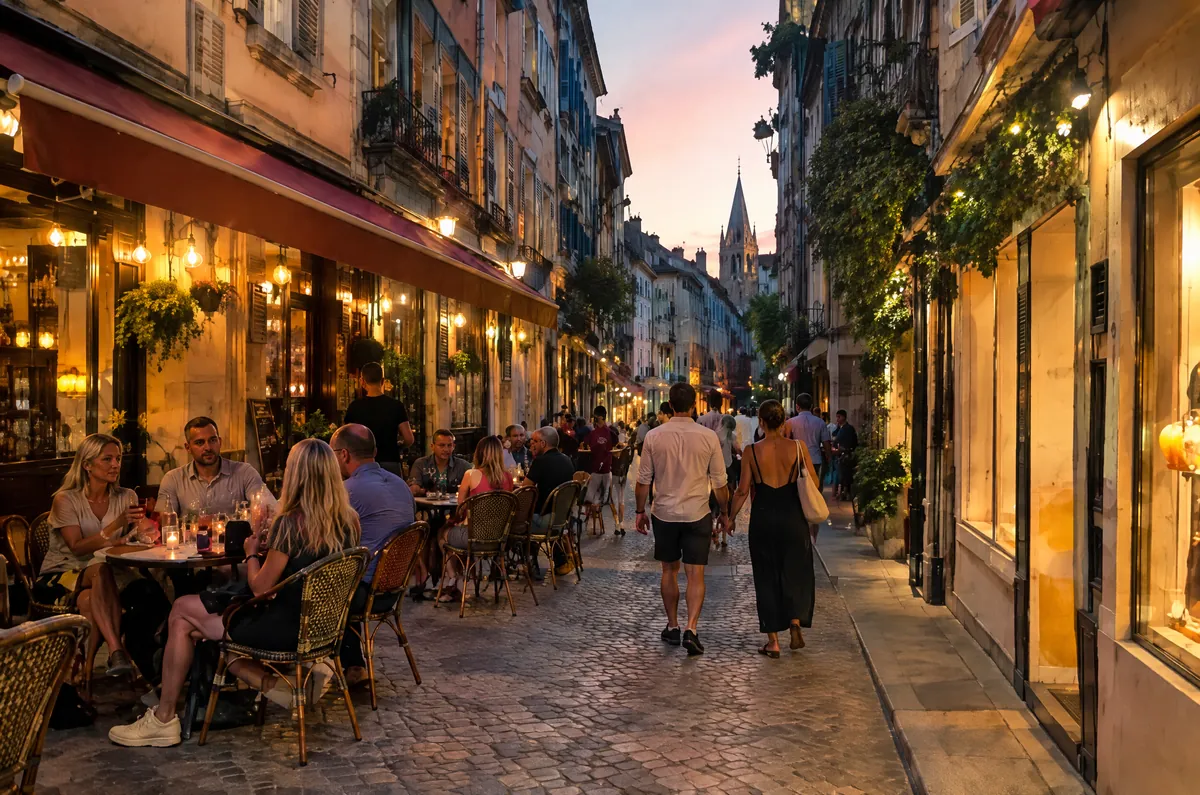 BeforeAfter
See a real example
Why photos turn out blurry
Camera shake is the most common cause. In dim light the shutter stays open longer, and a small movement of your hands smears every edge in the frame in the same direction.
Motion blur happens when the subject moves instead of the camera: a child running, a pet turning its head, a hand waving. The background stays sharp while the moving part looks streaked.
Missed focus leaves the whole picture soft. The camera locked onto the background, a window or a fence instead of the person, so faces lose their fine detail even though nothing moved.
How to unblur an image in three steps
Sign up free, then upload a JPG, PNG or WebP photo up to 3 MB. Your first photo is on us.
MendPixel analyses the blur and rebuilds sharp edges and texture while keeping the same subject, framing, colors and lighting. This usually takes under 2 minutes.
Compare the result with your original, then download the clear, full-quality version with no watermark.
How to fix a blurry photo you already took
Start from the largest original you have. A photo straight from your phone or camera keeps more detail than a screenshot or a copy that was sent through a messaging app.
Crop as little as possible before you upload. The engine uses the surrounding detail to understand what the blurred area should look like.
Mild and moderate blur recovers best. If the subject is no longer recognizable at all, no tool can bring back detail that was never captured, so retaking the photo is the better option when you can.
Unblur image vs. photo enhancer
Both pages use the same MendPixel restoration engine. Use this page when the main problem is blur from shake, movement or focus. Use the photo enhancer on the home page when a photo is generally noisy, soft or low quality.
Want a general clean-up instead? Try the AI photo enhancer.
Frequently asked questions
Can I unblur an image for free?
Yes. Sign up free and your first photo is on us, in full quality with no watermark. After that, each photo uses 2 credits.
Does unblurring work on faces?
Yes, faces are one of the most common uses. The AI is asked to keep the same person and expression, but because it rebuilds fine detail, small features can come out slightly different. Always check the result before you share it.
Can it fix very blurry photos?
It works best on light to moderate blur. When a photo is so blurred that shapes are no longer recognizable, the result will be clearer but cannot match a photo that was sharp to begin with.
Will my photo change size?
Results keep your original aspect ratio and come back at roughly 2K resolution. MendPixel is built to restore clarity rather than to upscale small images.
Is my photo kept private?
Yes. Uploads and results are stored privately and are only available to you through short-lived download links.